

Yay! We're the merit winner of APICTA 2022

Keep Rooms Guest-Ready Without the Chaos
Softinn helps housekeeping and maintenance teams stay organized, respond faster to issues, and keep guests happy — even during peak seasons
The Challenges Housekeeping Managers Face
Running housekeeping and maintenance is tough when:
Guest check-outs and arrivals peak at the same time, creating pressure to turn rooms around quickly.
01
Last-minute issues (like broken air conditioners or plumbing) disrupt the housekeeping schedule.
02

03
Miscommunication between front desk and housekeeping leads to delays or double work.
04
Tracking staff performance and task completion is manual and time-consuming.
05
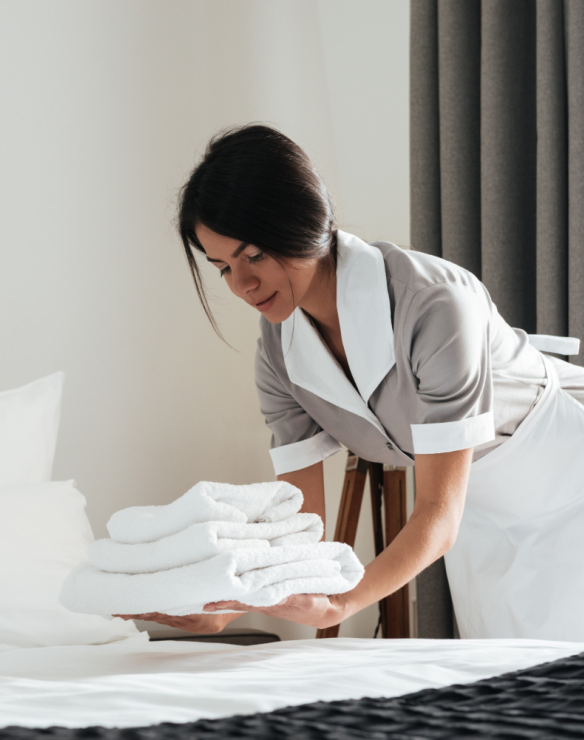
Cleaners work off printed lists and verbal updates, so room status is often out of date the moment they leave the front desk.
How Softinn Helps You Win
Real-Time Room Status Updates
Housekeepers know exactly which rooms need cleaning, and the front desk sees updates instantly — no more radio calls or confusion.
Faster Turnaround During Peak Hours
Prioritize urgent tasks like upcoming check-ins so rooms are always ready on time.
Seamless Maintenance Coordination
Report issues (e.g., broken aircon) directly in the system. Maintenance gets notified immediately without disrupting other schedules. See how it works for your maintenance team.
Track Performance Easily
Monitor task completion, identify bottlenecks, and ensure quality standards are consistently met.

Meet Task — Built for the Housekeeper on the Floor
Your cleaning team spends the day moving between rooms, not sitting at a desk. Task is a mobile-first module designed for exactly that — everything they need in one screen, in their pocket.
What Your Team Can Do with Task
Everything a cleaner needs to keep rooms moving — right in their pocket, from the moment they start their shift.
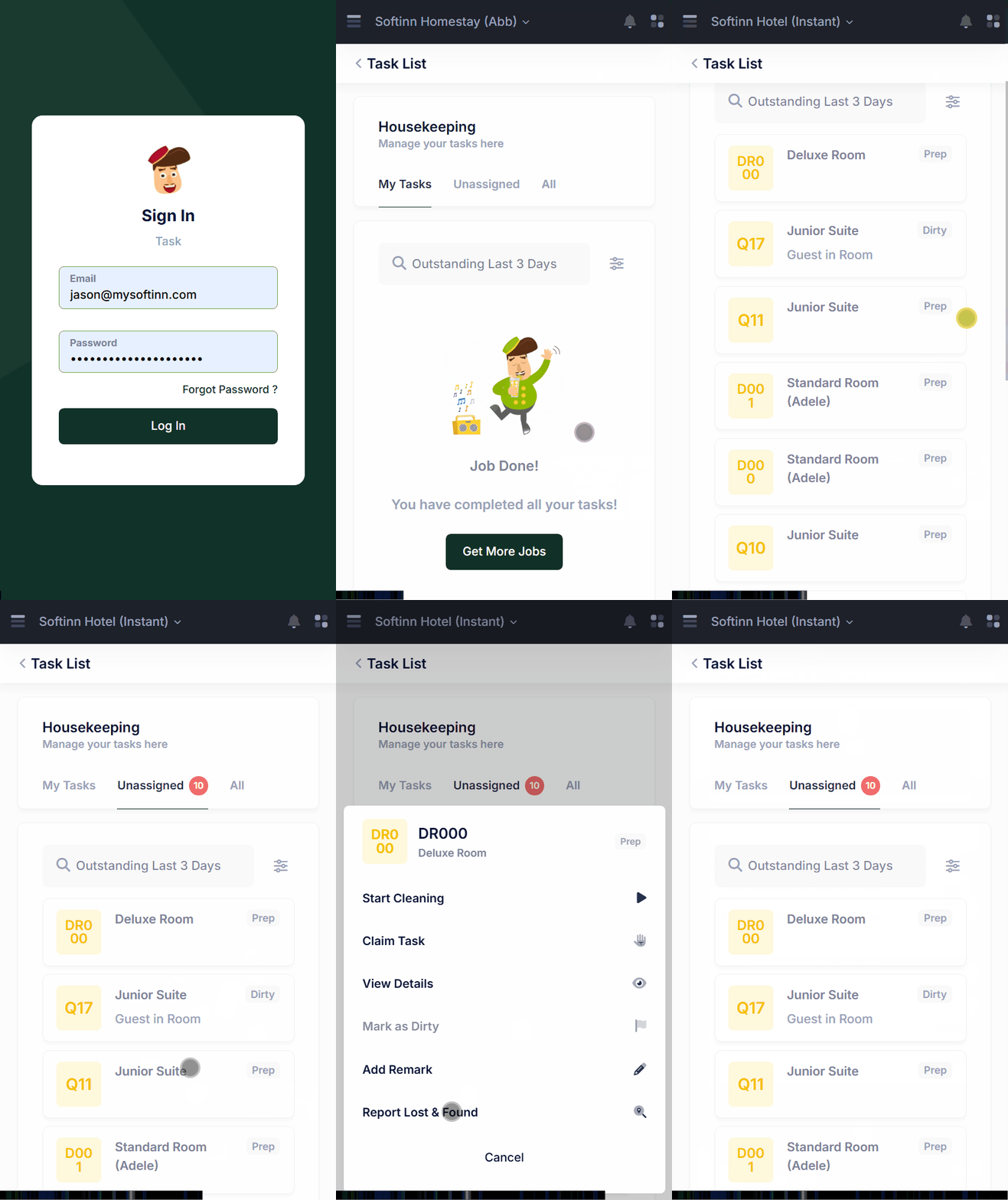
See outstanding tasks by priority
The home screen shows every outstanding task and what needs attention first — so cleaners always know which room to do next without checking in with the front desk.
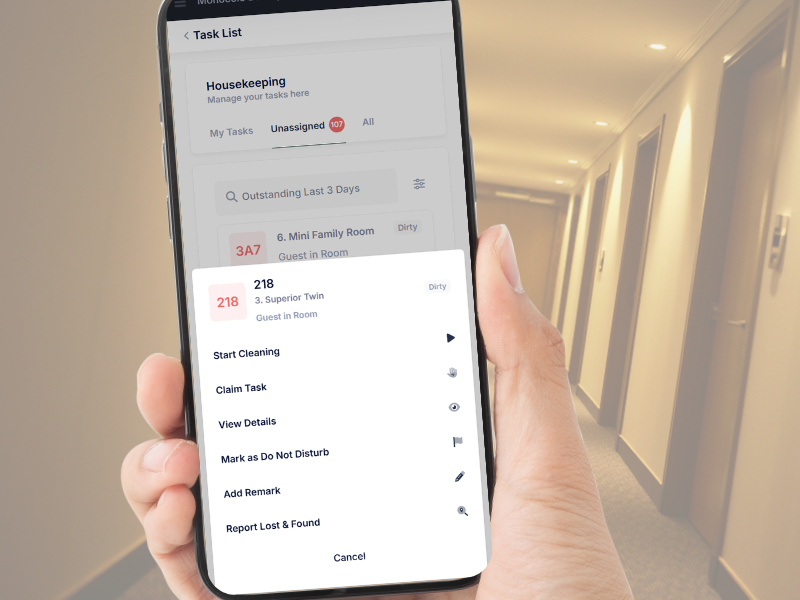
Mark a room “Do Not Disturb”
When a guest asks not to be disturbed, the housekeeper flags the room as Do Not Disturb on the spot. The front desk sees it instantly and the room is handled at the right time.
Inspection checklist on hand
Housekeepers can review the inspection checklist for each room as a reference while they clean — so they know the standard they’re working to before the room is checked.
Report Lost & Found from the room
Found something a guest left behind? Log a Lost & Found entry straight from the phone, right where it was found — nothing gets misplaced or forgotten later.
Claim unassigned tasks
Finished their own list? Cleaners can pick up unassigned tasks themselves, keeping rooms moving during peak turnover without waiting for someone to reassign work.
Designed for mobile, not the desk
Task is mobile-first because that’s where the work happens. Cleaners update everything from their phone while moving between rooms — no paper lists, no walking back to reception.
What Other Housekeeping Managers Say:
💬 "Softinn makes coordinating housekeeping so much smoother. Even when three aircons broke down during peak season, we resolved it quickly without affecting check-ins."
— Housekeeping Manager, Langkawi
What the Housekeeper Said
💬 "Everything's on my phone now. I can see my rooms, mark Do Not Disturb, and report a found item without going back downstairs. It's much faster."
— Housekeeping Supervisor, a hotel in Sabah
Free Resources for Housekeeping Managers
Learn More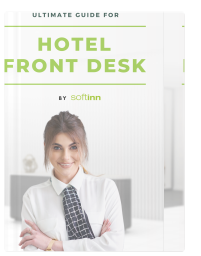
Ultimate Guide to Hotel Front Desk
Learn the ultimate tips and tricks on how to manage the hotel front desk. Do's and don'ts, plus templates for phone calls and messages when handling guests.
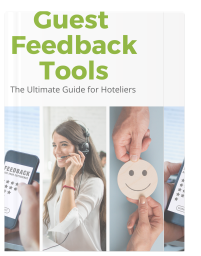
Guest Feedback Tools: Guide for Hoteliers
All the tools you need to collect guest feedback. Learn which tools best suit your hotel, and follow the do's and don'ts.

Post MCO Guidelines for Hotels
Compilation of the guidelines for each department in the hotel industry throughout the COVID-19 pandemic.
More Resources Available Here
Download free guides packed with tips to grow your hotel business.
Know How Your Team Is Performing
Task gives managers a completion report with average room cleaning time — so you can spot bottlenecks, balance workloads fairly, and keep quality consistent without standing over anyone's shoulder.
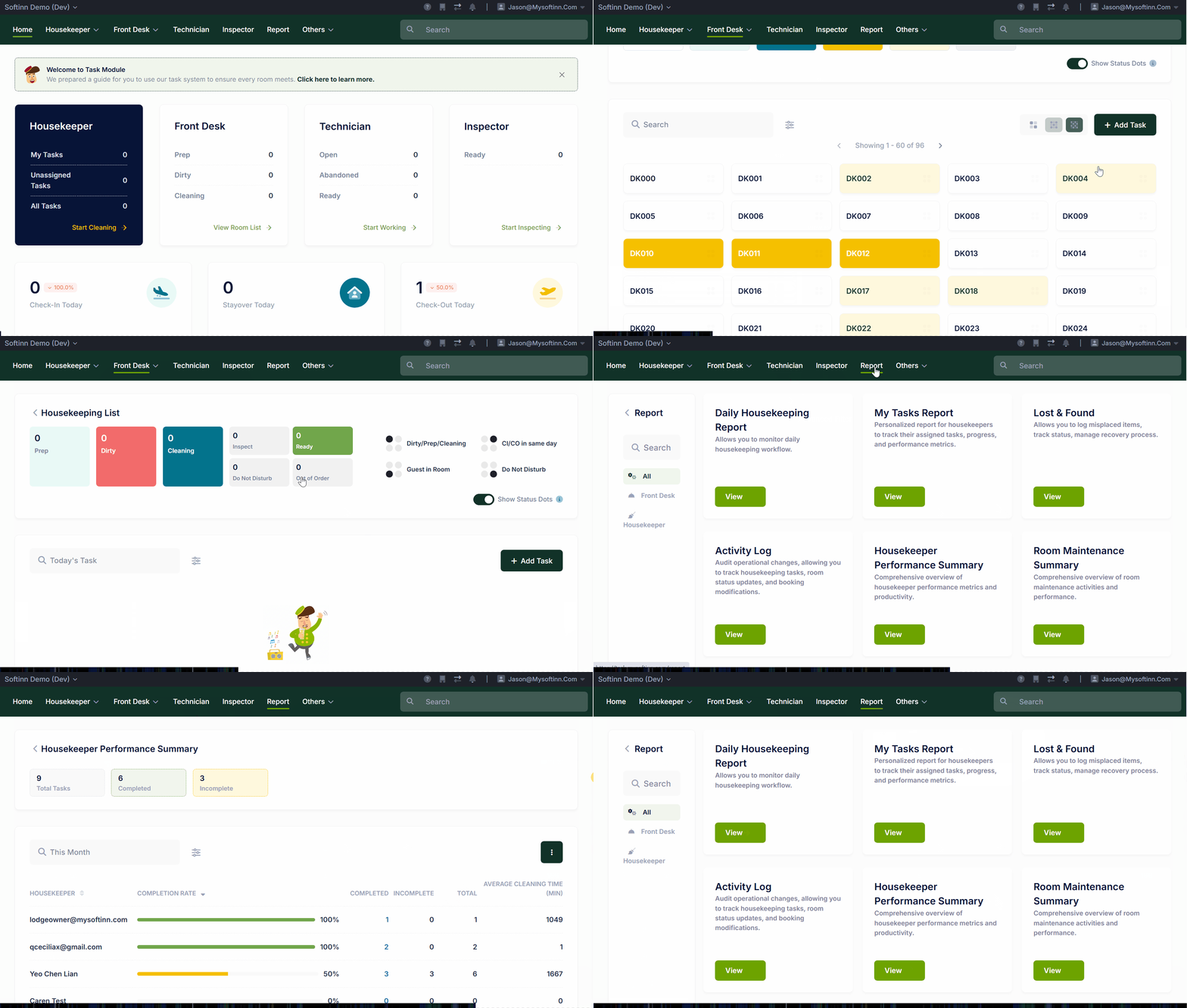
No audio — silent screen capture. · Recorded on 27 June 2026. New features have been added since — start your free trial to explore the latest.
Want to Streamline your Housekeeping and Maintenance?
Book a Free Demo with Softinn